
How to Share PS5 Games with PS4: A Comprehensive Guide
Introduction
Game sharing between PlayStation consoles enhances your gaming library without additional expenses. This guide provides detailed instructions on sharing games from a PS5 to a PS4, highlighting the benefits and potential pitfalls. Understanding game sharing maximizes your gaming experience by giving access to a broader spectrum of games without buying extra copies.
Understanding Game Compatibility
Game sharing from the PS5 to the PS4 relies heavily on backward compatibility. Sony ensures that older PS4 games run smoothly on the newer PS5 system, making game sharing between the two consoles not only possible but also seamless.
Backward Compatibility Explained
Backward compatibility ensures that newer consoles can play games from previous generations. The PS5 supports this feature, allowing you to play the majority of your PS4 game collection. This capability means your game library isn’t restricted by the consoles in your home, making sharing much simpler.
Playing PS4 Games on PS5
Playing PS4 games on a PS5 is simple and straightforward. Once you have game sharing set up, any PS4 can access and play games hosted by the PS5. This not only adds value to existing game collections but also extends the lifespan of your favorite titles on new hardware.
Setting Up Game Sharing
Before jumping into game sharing, it’s essential to ensure both consoles are connected to the internet and have the necessary account settings.
How to Enable Game Sharing on PS5
1. Sign in to your PlayStation Network (PSN) account on the PS5.
2. Navigate to Settings > Users and Accounts.
3. Select ‘Other’, then choose ‘Console Sharing and Offline Play’.
4. Enable this feature to allow PS5 games to be shared with a connected PS4.
Enabling Game Sharing on PS4
1. Log in to your PSN account on the PS4.
2. Go to Settings > Account Management.
3. Select ‘Activate as Your Primary PS4’ and confirm your choice.
Following these steps ensures both consoles are configured for a seamless game-sharing experience, establishing a reliable connection for shared gameplay enjoyment.
Benefits and Limitations of Game Sharing
Knowing the advantages and potential limitations of game sharing allows you to make informed decisions on your gaming practices.
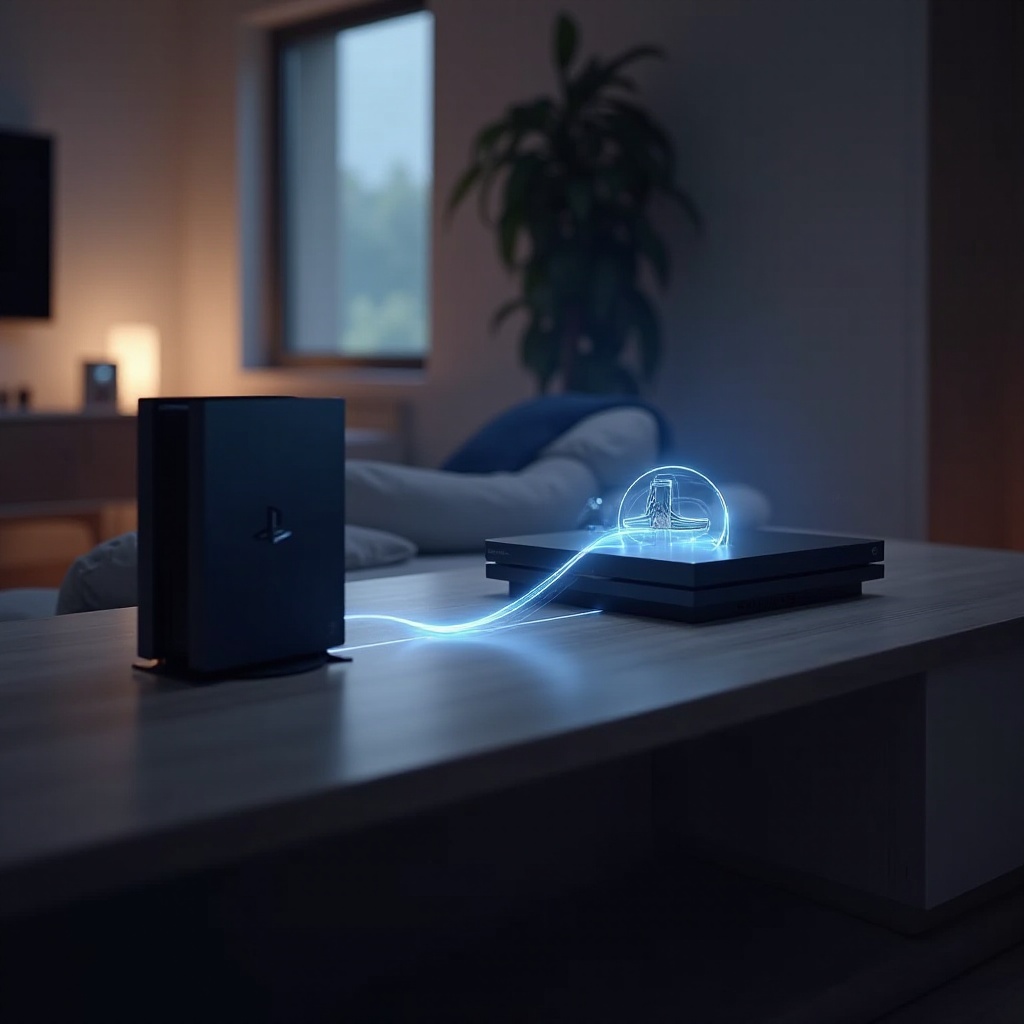
Advantages of Game Sharing
- Cost Savings: Game sharing is an excellent way to save money by avoiding the need to purchase multiple game copies.
- Access to a Larger Game Library: Sharing games gives you access to a broader array of titles, offering the opportunity to play games you do not personally own.
Common Limitations
- License Restrictions: Only one user can actively play the game at any time. License conflicts arise if multiple users try to play concurrently.
- Internet Dependence: A stable connection is crucial for game sharing. Poor connectivity can hinder the gaming experience.
Troubleshooting Common Issues
Game sharing isn’t without its hiccups, but most issues have simple resolutions.
Connectivity Problems
To avoid interruptions, maintain a stable internet connection. If lag or disconnections occur, attempt to reset the router or ensure the console firmware is up to date.
License and Access Issues
Verify account configurations if a game becomes inaccessible. Make sure your system is set as the primary console for your account, solving common access problems.
Tips for Optimizing Your Game Sharing Experience
Here are strategies to ensure your game sharing setup operates at its best:
- Best Practices for Success: Keep system software updated regularly. This minimizes potential issues and enhances security.
- Maintaining Secure Account Access: Protect your account with a strong password and enable two-factor authentication to prevent unauthorized entry.
Ensuring these measures are in place fortifies a stable game-sharing environment.
Legal Considerations and Sony’s Terms
While sharing games, adhere to Sony’s game sharing policies. Familiarizing yourself with Sony’s terms of service can prevent violations that might lead to account penalties.
Conclusion
Sharing games from PS5 to PS4 enhances your gaming experience by expanding access to more titles affordably. By understanding how to set up, manage, and troubleshoot game sharing, you’ll enhance the overall experience while maintaining compliance and security.
Frequently Asked Questions
Can You Game Share with More than One PS4?
Currently, game sharing allows one PS4 as the primary console at a time. You would need to change the primary system to share with additional consoles.
Is it Safe to Share Your Account?
Yes, as long as you protect your credentials with strong passwords and enable two-factor authentication. Always ensure you control who has access.
How Do Updates Affect Shared Games?
Shared games update automatically like any other purchased game. Regular updates ensure performance enhancements and access to new features or fixes.