
Dust accumulation can disrupt your gaming experience by causing your Xbox Series S to overheat and operate inefficiently. It’s crucial to keep your console clean, especially the fan, which is essential for cooling. Fortunately, you can clean the fan without opening the console, thus avoiding any risks of voiding the warranty or causing damage.
The Impact of Dust on Xbox Series S Performance
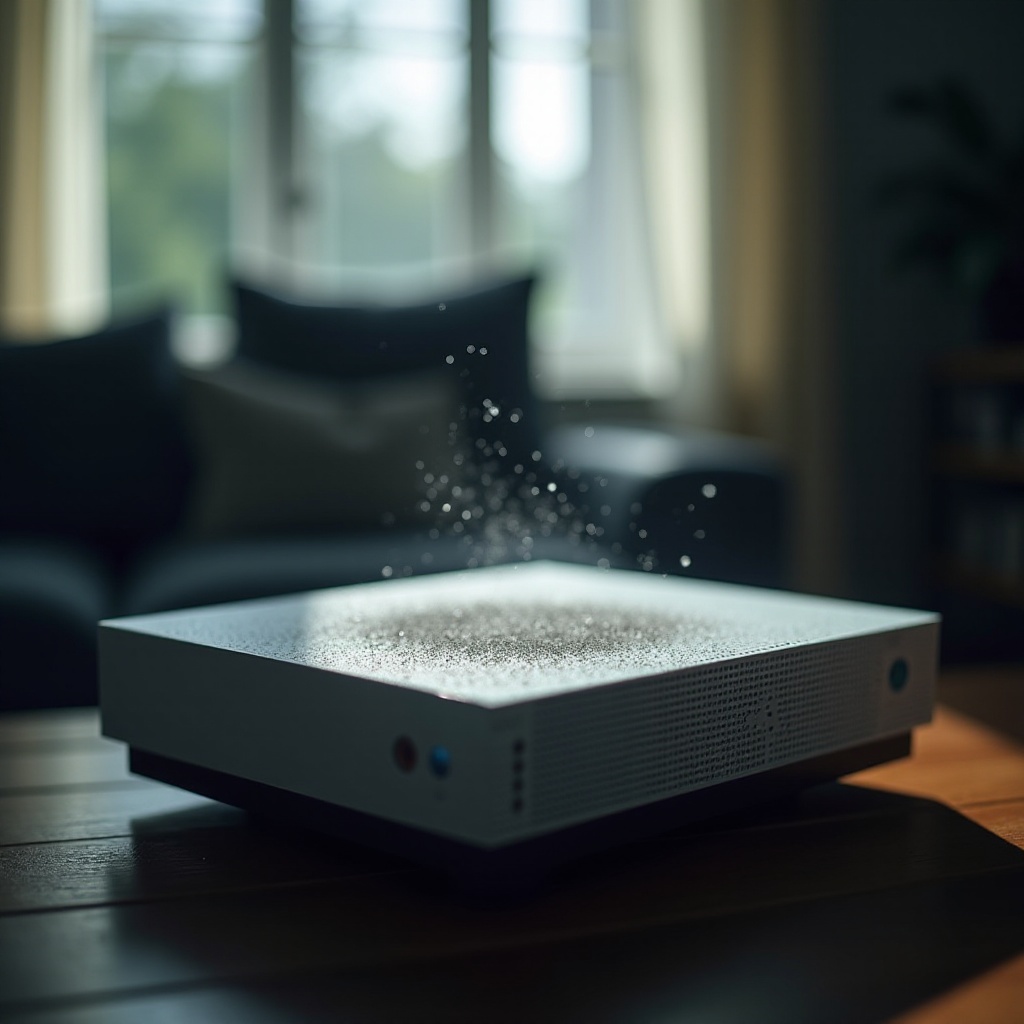
Dust build-up in your Xbox Series S can lead to major performance issues. Dust clogs not only the fan but other components, resulting in overheating and eventual hardware damage. When your Xbox runs noisily or feels warm to the touch, it’s a signal to inspect and clean it. These interventions prevent lags, sudden shutdowns, and extend the console’s lifespan. With this understanding, let’s prepare for the cleaning process.
Preparation for Cleaning
Before you start cleaning, gather essential tools to ensure a safe and effective job.
- Unplug the Console: To eliminate electrical risks, switch off your Xbox Series S and unplug it from the power source. Allow it to cool for a better cleaning process.
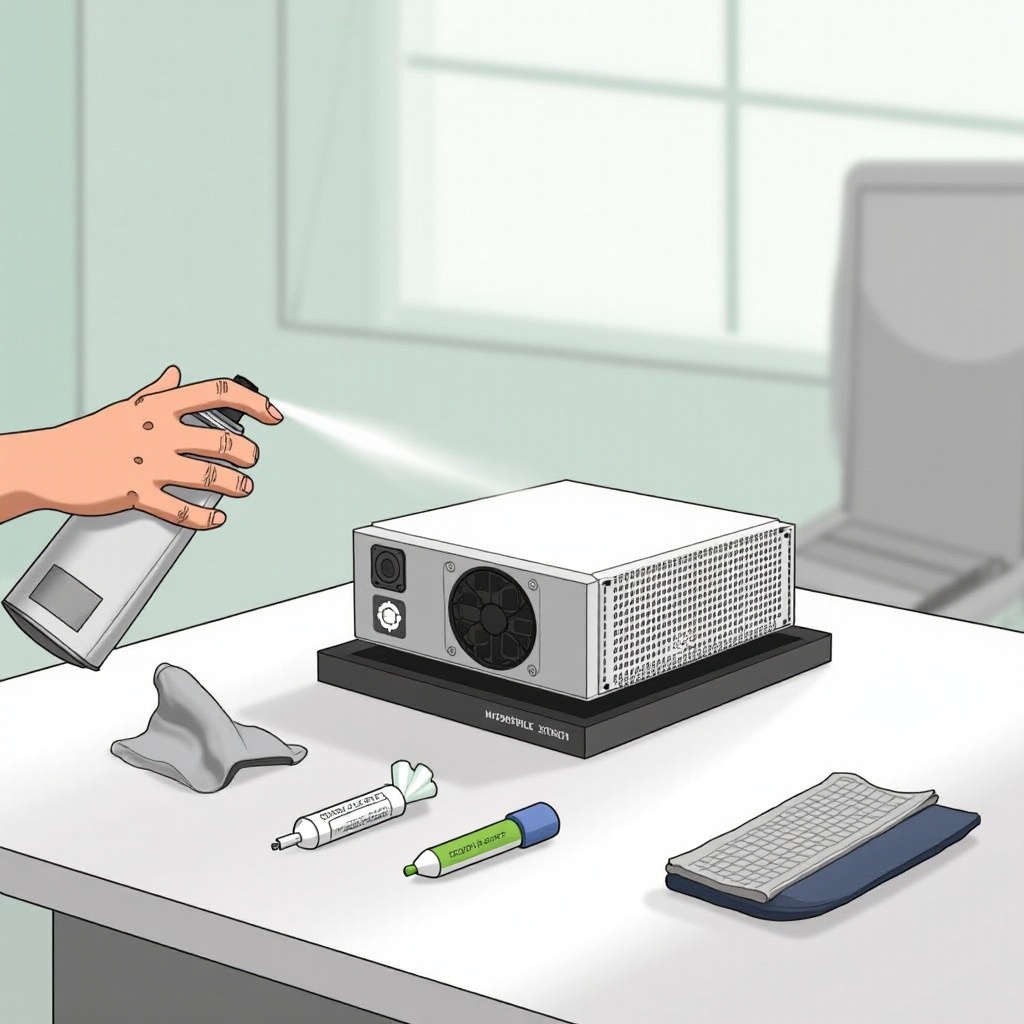
- Assemble Cleaning Tools: Obtain a can of compressed air, a microfiber cloth, and optionally, a small vacuum cleaner with a hose attachment.
- Prepare a Clean Workspace: A tidy, dust-free surface minimizes further dust contamination during cleaning.
Once your area is ready and tools are at hand, begin cleaning the outer parts of the console.
External Cleaning Process
The exterior cleaning of your Xbox Series S helps in maintaining its looks and ensures efficient airflow through its vents.
- Unplugging and Preparing the Console: Make sure the console is turned off and disconnected.
- Cleaning the Console’s Exterior and Ports: Use a microfiber cloth to wipe the console’s surface gently, focusing on dust and fingerprints. Pay extra attention to ports, using compressed air or a soft brush to clear them.
- Cleaning Air Vents: Aim the compressed air into the vents using short bursts. Maintain the can upright to avoid moisture release and dislodge any dust in the vents.
With the exterior cleaned, it’s time to focus on the console’s internal fan.
Cleaning the Fan Without Opening the Console
Cleaning your Xbox Series S fan ensures it operates effectively, preventing overheating.
- Using Compressed Air: Direct the nozzle of your compressed air towards the vents where the fan is located. Short bursts are effective for removing dust, and always keep the can upright to prevent liquid spray.
- Alternative Methods – Vacuum Use: If you lack compressed air, a small vacuum with a hose attachment can substitute. Gently position the hose near the vents on a low setting to suck out dust without internal damage.
- Tips for Thorough Cleaning: Rotate the console as needed to ensure comprehensive dust removal from all angles. Implement this routine cleaning every few months depending on your environment and usage.
Regular cleaning will yield noticeable performance differences, enhancing gaming experiences. Now, let’s focus on how to keep your console dust-free.
Post-Cleaning Maintenance Tips
After cleaning, taking preventative measures will sustain your Xbox Series S’s condition.
- Schedule Regular Cleanings: Establish a maintenance routine every 3-6 months to keep on top of dust accumulation.
- Optimal Console Placement: Position your console in an open, ventilated area to reduce dust settling. Avoid tight spaces and floors, known dust havens.
Adopting these habit changes will prolong your console’s life, providing a seamless gaming experience. We’ll conclude with a summary of the steps outlined.
Conclusion
Cleaning your Xbox Series S fan without opening the console is a straightforward task that pays off significantly. By ensuring the fan area is free of dust, you’re safeguarding your console from overheating and extending its lifespan. Regular maintenance will ensure optimal gaming performance and is an investment in the longevity of your device.
Frequently Asked Questions
How often should I clean my Xbox Series S fan?
It’s advisable to clean your Xbox Series S fan every 3-6 months depending on environmental conditions and usage.
Can I use a hairdryer to clean the fan instead of compressed air?
Using a hairdryer is not recommended as the heat can damage console components. Compressed air is safer and more effective.
What should I do if my Xbox Series S is still noisy after cleaning?
Ensure that all external cleaning steps were followed properly. Persistent noise may indicate an internal issue that requires professional inspection.